
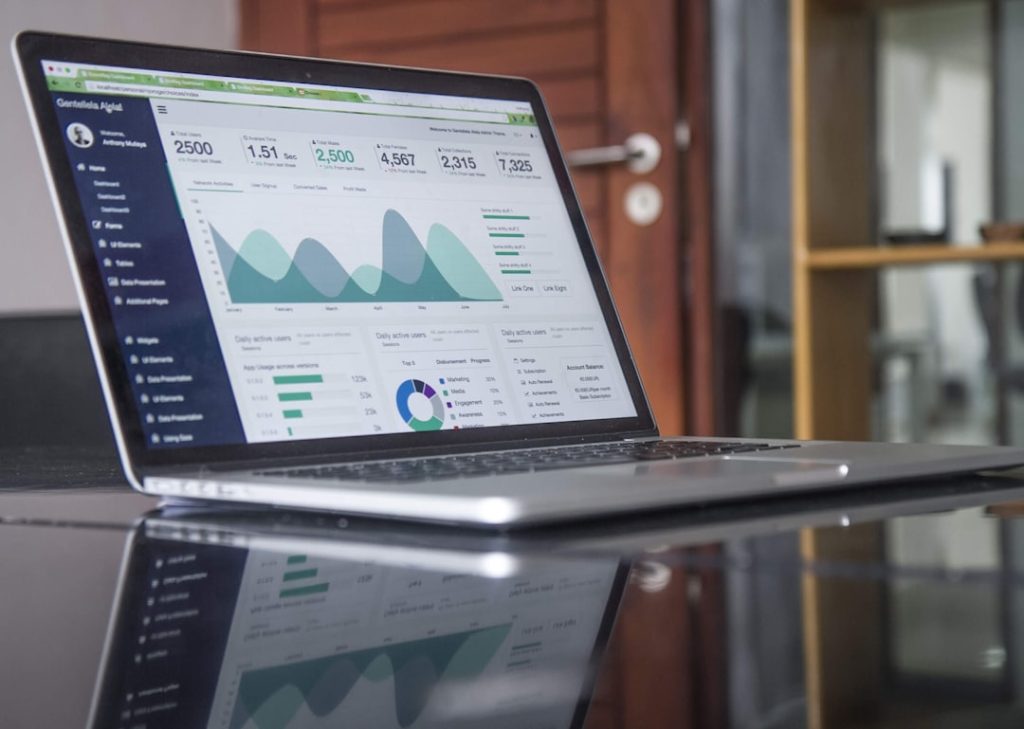
Personal accounting software is a digital tool designed to help individuals manage their finances more effectively. It allows users to track income, expenses, investments, and savings, providing a comprehensive overview of their financial health. Unlike traditional accounting methods, which often involve manual record-keeping and spreadsheets, personal accounting software automates many of these processes, making it easier for users to stay organized and informed about their financial situation.
This software can cater to a wide range of users, from those who simply want to track their monthly expenses to those who require more complex financial planning tools. The evolution of personal accounting software has been significant over the years. Initially, these programs were primarily desktop applications that required installation on a specific computer.

However, with the advent of cloud computing, many personal accounting solutions have transitioned to online platforms, allowing users to access their financial data from anywhere with an internet connection. This shift has not only enhanced accessibility but also improved collaboration features, enabling users to share their financial information with family members or financial advisors seamlessly. As technology continues to advance, personal accounting software is becoming increasingly sophisticated, incorporating features such as artificial intelligence and machine learning to provide personalized financial insights.
Key Takeaways
- Personal accounting software helps individuals manage finances efficiently by tracking income, expenses, and budgets.
- Key benefits include improved financial organization, better budgeting, and easier tax preparation.
- Important features to consider are user-friendliness, security, reporting capabilities, and integration options.
- Choosing the right software involves assessing personal financial needs, compatibility, and cost.
- Avoid common mistakes like neglecting regular updates, ignoring backups, and failing to reconcile accounts consistently.
Benefits of Using Personal Accounting Software

One of the primary benefits of using personal accounting software is the ability to gain a clear and organized view of one’s financial situation. By consolidating all financial data into one platform, users can easily track their income and expenses, identify spending patterns, and make informed decisions about budgeting and saving. This clarity can lead to better financial management and help individuals avoid overspending or falling into debt.
For instance, a user can categorize expenses into different buckets—such as groceries, entertainment, and utilities—allowing them to see where their money is going and adjust their spending habits accordingly. Another significant advantage is the time-saving aspect of personal accounting software. Manual bookkeeping can be tedious and time-consuming, often leading to errors that can complicate financial management.
Personal accounting software automates many of these tasks, such as data entry and report generation. For example, many programs allow users to link their bank accounts directly to the software, automatically importing transactions and categorizing them based on predefined rules. This automation not only saves time but also reduces the likelihood of human error, ensuring that users have accurate and up-to-date financial information at their fingertips.
Features to Look for in Personal Accounting Software

When selecting personal accounting software, it is essential to consider various features that can enhance the user experience and meet individual financial needs. One critical feature is budgeting tools that allow users to set financial goals and monitor their progress over time. Effective budgeting tools should enable users to create customizable budgets based on their income and expenses while providing alerts when they approach or exceed their budget limits.
This functionality can help individuals stay disciplined in their spending habits and work towards achieving their financial objectives. Another important feature is reporting capabilities. Comprehensive reporting tools can provide insights into spending trends, income sources, and overall financial health.
Users should look for software that offers customizable reports, allowing them to generate specific analyses based on their unique financial situations. For instance, a user might want to generate a report that highlights their annual spending in different categories or tracks their net worth over time. Such insights can be invaluable for making informed decisions about investments or savings strategies.
How to Choose the Right Personal Accounting Software for You
Choosing the right personal accounting software involves assessing individual needs and preferences. One of the first steps is to evaluate the complexity of one’s financial situation. For someone with straightforward finances—such as a single income source and minimal expenses—a basic software solution may suffice.
However, individuals with more complex financial portfolios, including multiple income streams, investments, or business expenses, may require more advanced features and functionalities. Another factor to consider is the user interface and ease of use. A user-friendly interface can significantly enhance the experience of managing finances.
Prospective users should look for software that offers intuitive navigation and clear instructions for setting up accounts and entering transactions. Many software providers offer free trials or demos, allowing users to test the interface before committing to a purchase. Additionally, it’s essential to consider customer support options; having access to responsive support can be crucial when encountering technical issues or needing assistance with specific features.
Setting Up and Using Personal Accounting Software
| Software | Platform | Key Features | Pricing Model | User Rating (out of 5) | Best For |
|---|---|---|---|---|---|
| Quicken | Windows, Mac | Budgeting, Bill Pay, Investment Tracking | Subscription | 4.2 | Comprehensive personal finance management |
| Mint | Web, iOS, Android | Budgeting, Expense Tracking, Credit Score Monitoring | Free (ad-supported) | 4.0 | Free budgeting and expense tracking |
| YNAB (You Need A Budget) | Web, iOS, Android | Zero-based Budgeting, Goal Tracking | Subscription | 4.5 | Active budgeting and financial discipline |
| Personal Capital | Web, iOS, Android | Investment Tracking, Retirement Planning | Free (with optional advisory services) | 4.3 | Investment and wealth management |
| EveryDollar | Web, iOS, Android | Budgeting, Expense Tracking | Free and Paid Versions | 4.1 | Simple budgeting based on zero-based method |
Setting up personal accounting software typically involves several key steps that ensure users can effectively manage their finances from the outset. The first step is creating an account with the chosen software provider, which usually requires basic personal information such as name, email address, and sometimes payment details if it’s a paid service. Once the account is created, users will need to input their financial information, including bank account details, credit card information, and any other relevant financial data.
After entering initial data, users should categorize their transactions appropriately. Most personal accounting software allows for customizable categories that reflect individual spending habits. For example, a user might create categories for travel, dining out, or home maintenance.
Regularly updating these categories as new transactions occur is crucial for maintaining an accurate picture of one’s finances. Additionally, many programs offer features that allow users to set recurring transactions for regular expenses like rent or subscriptions, further streamlining the process of tracking finances.
Tips for Maximizing the Benefits of Personal Accounting Software
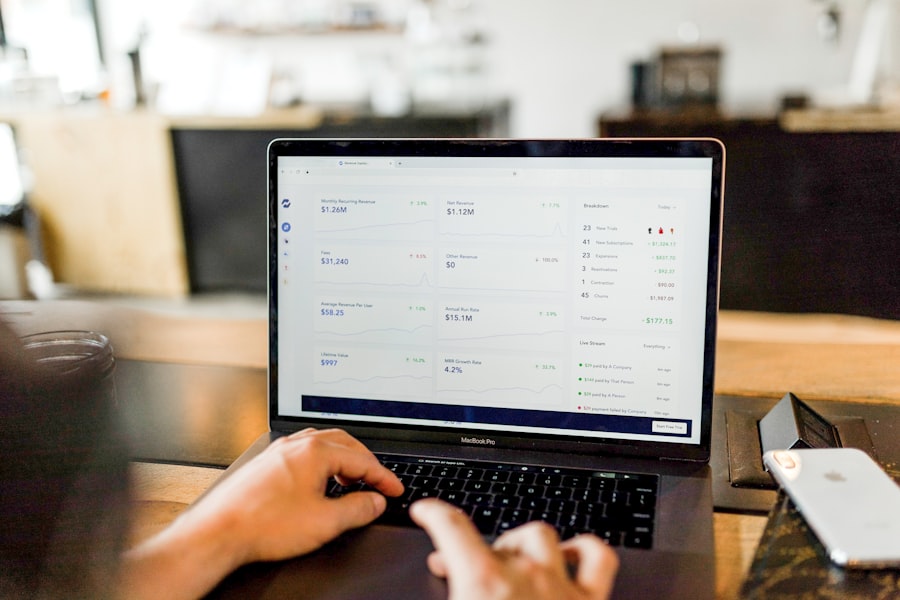
To fully leverage the capabilities of personal accounting software, users should adopt certain best practices that enhance its effectiveness in managing finances. One key tip is to regularly review financial reports generated by the software. By analyzing these reports on a monthly or quarterly basis, users can identify trends in their spending habits and make necessary adjustments to their budgets or savings goals.
For instance, if a report reveals an unexpected spike in dining expenses over several months, the user might decide to limit restaurant outings or seek more affordable dining options. Another effective strategy is to set specific financial goals within the software itself. Many personal accounting programs allow users to create savings goals for various purposes—such as vacations, emergency funds, or retirement savings.
By setting clear targets and tracking progress towards these goals within the software, users can stay motivated and focused on achieving their financial objectives. Additionally, some programs offer visual representations of progress through graphs or charts, making it easier for users to see how close they are to reaching their goals.
Integrating Personal Accounting Software with Other Financial Tools
Integrating personal accounting software with other financial tools can significantly enhance its functionality and provide a more comprehensive view of one’s finances. For example, many users benefit from linking their accounting software with investment tracking tools or budgeting apps. This integration allows for seamless data sharing between platforms, ensuring that all financial information is up-to-date and accurate across different applications.
Moreover, some personal accounting solutions offer built-in features for tracking investments directly within the software itself. This capability enables users to monitor stock performance or assess the value of retirement accounts without needing separate applications. By consolidating all financial data into one platform, users can make more informed decisions regarding investments and savings strategies while minimizing the risk of overlooking important information scattered across multiple tools.
Common Mistakes to Avoid When Using Personal Accounting Software
While personal accounting software can be a powerful tool for managing finances effectively, there are common pitfalls that users should be aware of to maximize its benefits fully. One frequent mistake is neglecting regular updates of financial data. Users may enter initial transactions but fail to keep up with ongoing entries or updates as new expenses arise.
This oversight can lead to an inaccurate representation of one’s financial situation and hinder effective budgeting or planning. Another common error is underutilizing the features available within the software. Many users may only scratch the surface by using basic functions like expense tracking without exploring advanced capabilities such as goal setting or reporting tools.
To fully benefit from personal accounting software, it’s essential to invest time in learning about all available features and how they can contribute to better financial management. Engaging with tutorials or customer support resources can help users unlock the full potential of their chosen software solution. By understanding personal accounting software’s intricacies and leveraging its features effectively, individuals can take control of their finances in a way that was previously challenging with traditional methods.
The right tools empower users not only to track their spending but also to plan for future goals with confidence and clarity.

