
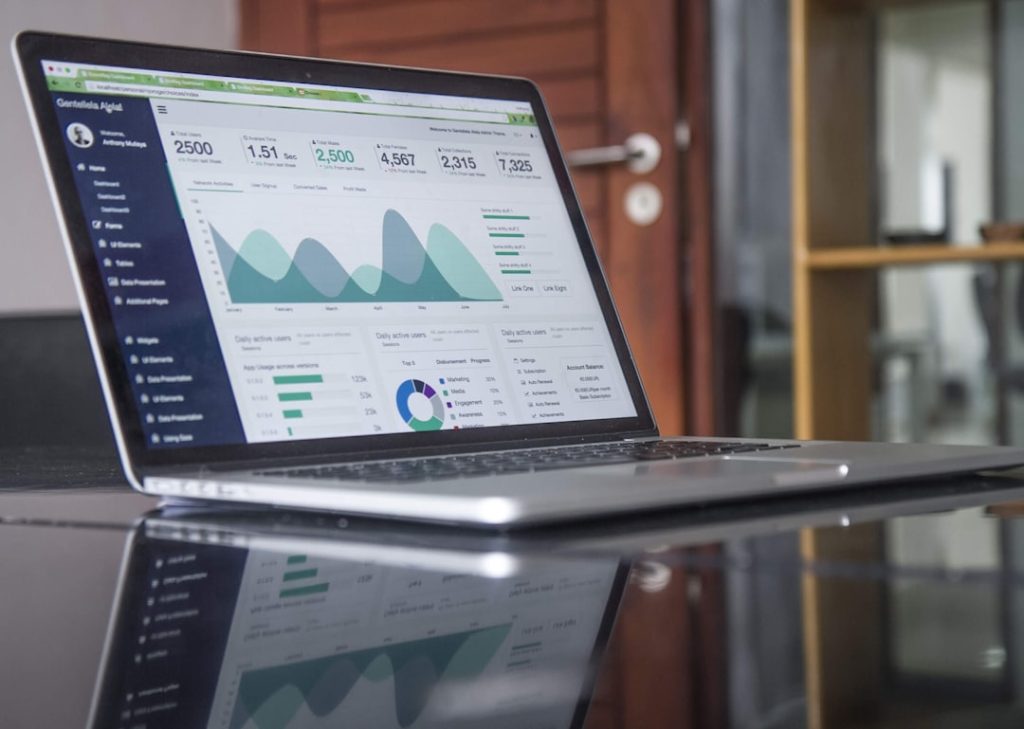
Sage Business Cloud Accounting (formerly Sage One Accounting) is a cloud-based financial management system targeting small to medium-sized enterprises. The platform provides comprehensive accounting tools within an intuitive interface, making it accessible to users without extensive financial expertise while still delivering robust functionality for business operations. The software delivers real-time financial data visualization and analysis capabilities, enabling timely business decision-making.
Users can monitor revenue and expenditures, handle invoicing processes, and create financial reports through a unified system. Its cloud architecture ensures financial information remains accessible from any location with internet connectivity, supporting remote work environments and team collaboration. This digital approach to accounting aligns with contemporary business practices and technological integration requirements.
Key Takeaways
- Sage One Accounting offers a user-friendly platform for small business financial management.
- Initial setup involves configuring company details and linking bank accounts for seamless transactions.
- The software simplifies invoicing and expense tracking to maintain accurate financial records.
- Integration with other financial tools enhances data synchronization and operational efficiency.
- Built-in reporting and tax preparation features help streamline financial analysis and compliance.

Setting up your Sage One Accounting software
Setting up Sage One Accounting is a straightforward process that begins with creating an account on the Sage website. Users are required to provide basic information about their business, including the name, address, and type of industry. Once the account is created, users can customize their settings to align with their specific business needs.

This customization includes selecting the currency in which they operate, setting up tax rates applicable to their region, and defining the fiscal year for accurate reporting. After the initial setup, users can begin adding their financial data into the system. This includes inputting customer and supplier information, which is crucial for managing invoicing and expenses effectively.
Sage One Accounting allows users to import existing data from spreadsheets or other accounting software, streamlining the transition process. Furthermore, the software provides guided tutorials and support resources to assist users in navigating the setup process, ensuring that even those with limited technical skills can get started without significant hurdles.
Managing invoicing and expenses with Sage One Accounting

Sage One Accounting simplifies the invoicing process by allowing users to create professional invoices quickly and efficiently. Users can customize invoice templates to reflect their brand identity, including logos and color schemes. The software also enables users to set payment terms and conditions, ensuring that clients are aware of due dates and any applicable late fees.
Once an invoice is generated, it can be sent directly to clients via email, reducing the time spent on administrative tasks. In addition to invoicing, managing expenses is equally streamlined within Sage One Accounting. Users can categorize expenses by type—such as travel, supplies, or utilities—making it easier to track spending patterns over time.
The software allows for the attachment of receipts and other documentation directly to expense entries, which is particularly useful for maintaining accurate records for tax purposes. By providing a clear overview of both income and expenses, Sage One Accounting empowers business owners to make informed financial decisions and identify areas where cost savings can be achieved.
Tracking income and expenses for better financial management
Effective financial management hinges on the ability to track income and expenses accurately. Sage One Accounting provides users with real-time visibility into their financial health through its dashboard feature. This dashboard displays key metrics such as total income, total expenses, and profit margins at a glance.
By having this information readily available, business owners can quickly assess their financial standing and make necessary adjustments to their strategies. Moreover, the software offers detailed reports that break down income and expenses by category or time period. This granularity allows users to identify trends in their financial data, such as seasonal fluctuations in sales or recurring expenses that may need to be addressed.
For instance, a business owner might notice that marketing expenses spike during certain months but yield lower returns on investment during others. Armed with this knowledge, they can refine their marketing strategies or adjust budgets accordingly. The ability to track income and expenses in real-time not only enhances financial oversight but also fosters proactive decision-making.
Integrating Sage One Accounting with other financial tools
| Feature | Description | Metric / Data |
|---|---|---|
| Invoicing | Create and send professional invoices | Unlimited invoices per month |
| Bank Reconciliation | Automatic bank feeds and reconciliation | Supports 100+ bank integrations |
| VAT Management | Calculate and submit VAT returns | Compliant with HMRC Making Tax Digital |
| Multi-Currency | Manage transactions in multiple currencies | Supports 20+ currencies |
| Reporting | Generate financial reports and insights | 20+ customizable report templates |
| User Access | Multi-user access with role permissions | Up to 5 users per account |
| Mobile App | Access accounting on the go | Available on iOS and Android |
| Customer Support | Help and support services | 24/7 online support and chat |
One of the significant advantages of Sage One Accounting is its ability to integrate seamlessly with various other financial tools and applications. This integration capability enhances the overall functionality of the software by allowing users to connect it with payment processors, e-commerce platforms, and customer relationship management (CRM) systems. For example, businesses that sell products online can link their e-commerce platform directly to Sage One Accounting, automatically syncing sales data and reducing manual entry errors.
Additionally, integration with payment processors like PayPal or Stripe enables businesses to accept payments directly through invoices sent via Sage One Accounting. This not only streamlines the payment process but also improves cash flow by facilitating quicker payments from clients. Furthermore, integrating with payroll systems ensures that employee compensation is accurately reflected in financial reports without requiring duplicate data entry.
By leveraging these integrations, businesses can create a more cohesive financial ecosystem that enhances efficiency and accuracy across all operations.
Generating financial reports with Sage One Accounting

Generating financial reports is a critical function of any accounting software, and Sage One Accounting excels in this area by offering a variety of customizable reporting options. Users can create standard reports such as profit and loss statements, balance sheets, and cash flow statements with just a few clicks. These reports provide essential insights into a business’s financial performance over specific periods, helping owners understand how well they are meeting their financial goals.
Moreover, Sage One Accounting allows users to customize reports based on specific criteria or metrics that are relevant to their business needs. For instance, a user might want to generate a report that focuses solely on sales performance by product line or geographic region. This level of customization enables businesses to drill down into their data and extract meaningful insights that inform strategic planning and operational adjustments.
The ability to generate comprehensive financial reports quickly not only saves time but also enhances transparency for stakeholders who may require regular updates on the company’s financial status.
Streamlining tax preparation with Sage One Accounting
Tax preparation can often be a daunting task for business owners; however, Sage One Accounting simplifies this process significantly. The software maintains organized records of all income and expenses throughout the year, making it easier for users to compile necessary documentation when tax season arrives. By categorizing transactions appropriately and attaching relevant receipts directly within the platform, users can ensure that they have all required information readily available for tax filings.
Additionally, Sage One Accounting provides features that help users calculate tax liabilities accurately based on current regulations. The software automatically applies tax rates based on user-defined settings, reducing the risk of errors that could lead to penalties or audits. Furthermore, users can generate tax-specific reports that summarize income and deductible expenses for easy reference during tax preparation.
This streamlined approach not only saves time but also minimizes stress during what is often a hectic period for business owners.
Tips for maximizing the benefits of Sage One Accounting
To fully leverage the capabilities of Sage One Accounting, users should consider implementing several best practices that enhance their experience with the software. First and foremost, regular data entry is crucial; by consistently updating income and expense records, users can maintain accurate financial information that reflects real-time business performance. Setting aside dedicated time each week or month for bookkeeping tasks can help ensure that nothing falls through the cracks.
Another tip is to take advantage of the reporting features available within Sage One Accounting. Regularly reviewing financial reports can provide valuable insights into spending habits and revenue trends, allowing business owners to make informed decisions about budgeting and resource allocation. Additionally, utilizing integrations with other tools can further streamline operations; for example, connecting with inventory management systems can help businesses maintain accurate stock levels while keeping financial records up-to-date.
Lastly, engaging with Sage’s support resources—such as tutorials, webinars, and community forums—can enhance users’ understanding of the software’s features and capabilities. By staying informed about updates and new functionalities, users can continuously improve their accounting practices and ensure they are making the most of what Sage One Accounting has to offer.

